
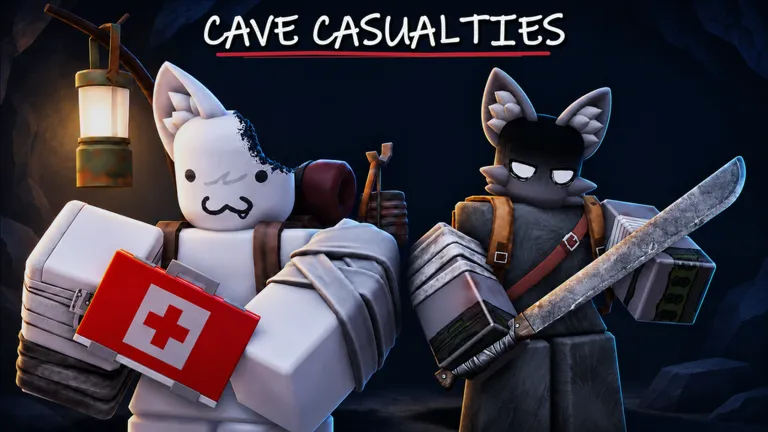
Cave Casualties PC controls
Cave Casualties is a side-on game, so you mostly move left and right, jump and climb. The keys below match the prompts in the in-game orientation and in gameplay footage we checked on November 20, 2026.
| Action | Key |
|---|---|
| Walk left / right | A / D |
| Run | Shift |
| Jump, or climb onto a ledge you are hanging from (hold) | Space |
| Dodge roll while walking | C |
| Interact: open doors, search lockers and crates | E |
| Use the item in a hotbar slot | Number keys |
| Open crafting | U |
| Open the map | M |
If a key does nothing after an update, look at the prompt on screen. The game shows the current binding next to each action, and that prompt is always right.
Cave Casualties mobile controls
On a phone or tablet the same actions sit on on-screen buttons. The ones you will use most are:
- CLIMB: pull yourself up onto a ledge you are hanging from.
- LET GO: drop from a ledge on purpose.
- ROLL: roll, including just before you land to soften a fall.
Other buttons change with what you are doing, so read the label before you tap. For phone requirements and setup, see how to play Cave Casualties on mobile.
Moves the orientation teaches
Every new player starts in a training facility. It is worth finishing, because each station is a move you will need deeper down:
- Walking and running.
- Catching ledges and pulling yourself up with Space (CLIMB on touch screens).
- Pushing a box under a high ledge so you can reach it.
- Wall jumping between two close walls to climb a shaft.
- Crawling through low gaps.
- Rolling as you land to cut fall damage. It helps, but it does not make every drop safe.
- First aid on a practice injury: select the hurt limb on the body screen and treat it.
Controls that save runs
- Look before you drop. Hard rock can break bones; softer ground such as grass cushions landings. Pick your landing spot first, then roll.
- Check your body after every hard fall. Bleeding and broken bones are tracked per limb and get worse if you ignore them. Our beginner guide covers bandages, splints and boiling water.
- Open the map (M) when you are lost. It shows passages you have explored with a depth scale.
- Craft with U. Many useful recipes, such as cleaning bandages, need boiled water. See crafting and items.
Controller and other devices
We could not confirm a full controller layout from more than one source, so we do not list one. Cave Casualties runs inside the Roblox app, so it plays on the devices where Roblox and the game support your input; the on-screen prompts will show the right button for your device.