
Quick checks first
When Cave Casualties will not load, the cause is almost always the Roblox app or your connection rather than the game itself. Try these in order:
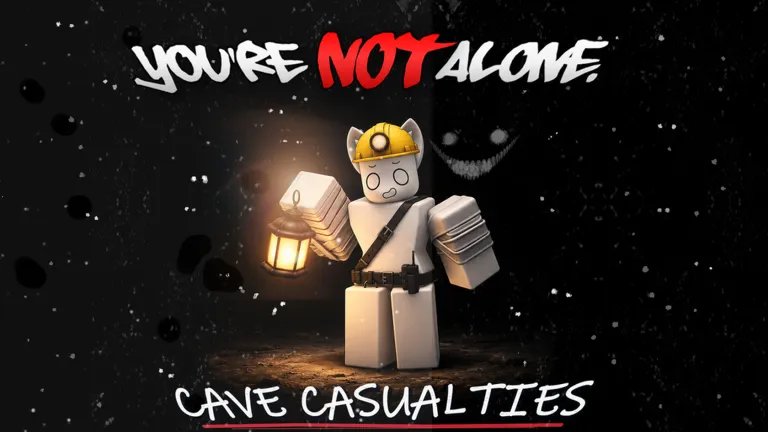
- Check that the game is up. Open the Cave Casualties page on Roblox. If it shows players in game, the servers are running. The game was updated on November 20, 2026 and had more than 3,000 players at once that day.
- Make sure you opened the right game. The creator should be Bleedout Interactive. Copycat and similarly named games exist.
- Update Roblox. An outdated app is a common reason experiences fail to start.
- Close Roblox completely and reopen it, then join a different server.
Fixes on iPhone and iPad
Roblox Support recommends these steps, one at a time:
- Force close the app and open it again.
- Restart your device.
- Reinstall Roblox from the App Store.
- Clear your Roblox cookies.
- Check your date and time in Settings and correct them if they are wrong.
Fixes on Android
- Force stop Roblox from Settings, then reopen it.
- Restart your device.
- Reinstall Roblox from Google Play.
- Clear Roblox's data in your app settings (you will need to sign in again).
- Check your date and time.
If your phone shows a message that it does not meet the minimum requirements, it cannot run Roblox experiences. Check the requirements on how to play Cave Casualties on mobile.
Fixes on PC and Mac
Roblox lists these causes and fixes for experiences that will not load or show "Could Not Connect":
- Use a supported, up-to-date browser to press Play: Chrome, Firefox or Microsoft Edge on Windows, and Chrome, Firefox or Safari on Mac.
- Disable ad-blocker extensions for the Roblox site; they can stop an experience from loading.
- Try a wired connection instead of Wi-Fi to rule out wireless problems.
- Allow Roblox through your firewall or antivirus.
- Reinstall Roblox Player.
Linux is not supported by Roblox.
Connection speed
Roblox asks for at least 4 to 8 Mb/s. Cave Casualties loads a large cave system, so on a slow connection the first load can take a while. Give it time before you give up.
Still stuck?
If none of this works, contact Roblox Support with your username, the exact error message, your device model, its system version and what you did before the error. Bugs inside Cave Casualties itself, such as falling through the map, are for the developer, Bleedout Interactive, through the official channels linked from the game's Roblox page.
Once you are in, start with the Cave Casualties beginner guide and grab the free rewards on the codes page.